
Gazelle Search for Shopify
Better search for your Shopify store, without touching the theme.
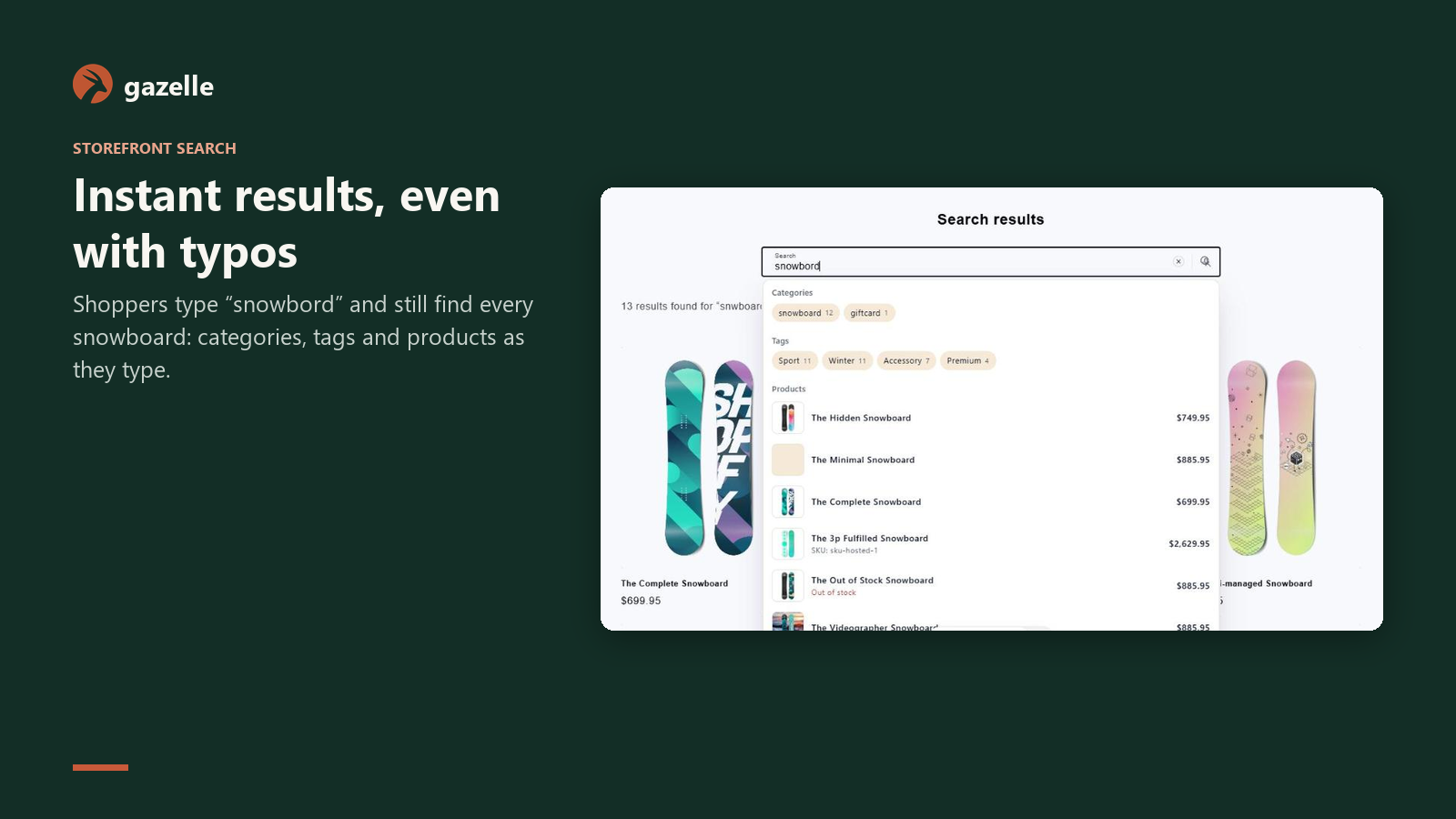
Install the app, switch on the app embed, and your theme's own search box gets instant results, typo tolerance, variant SKU search, a results page with filters and voice search.
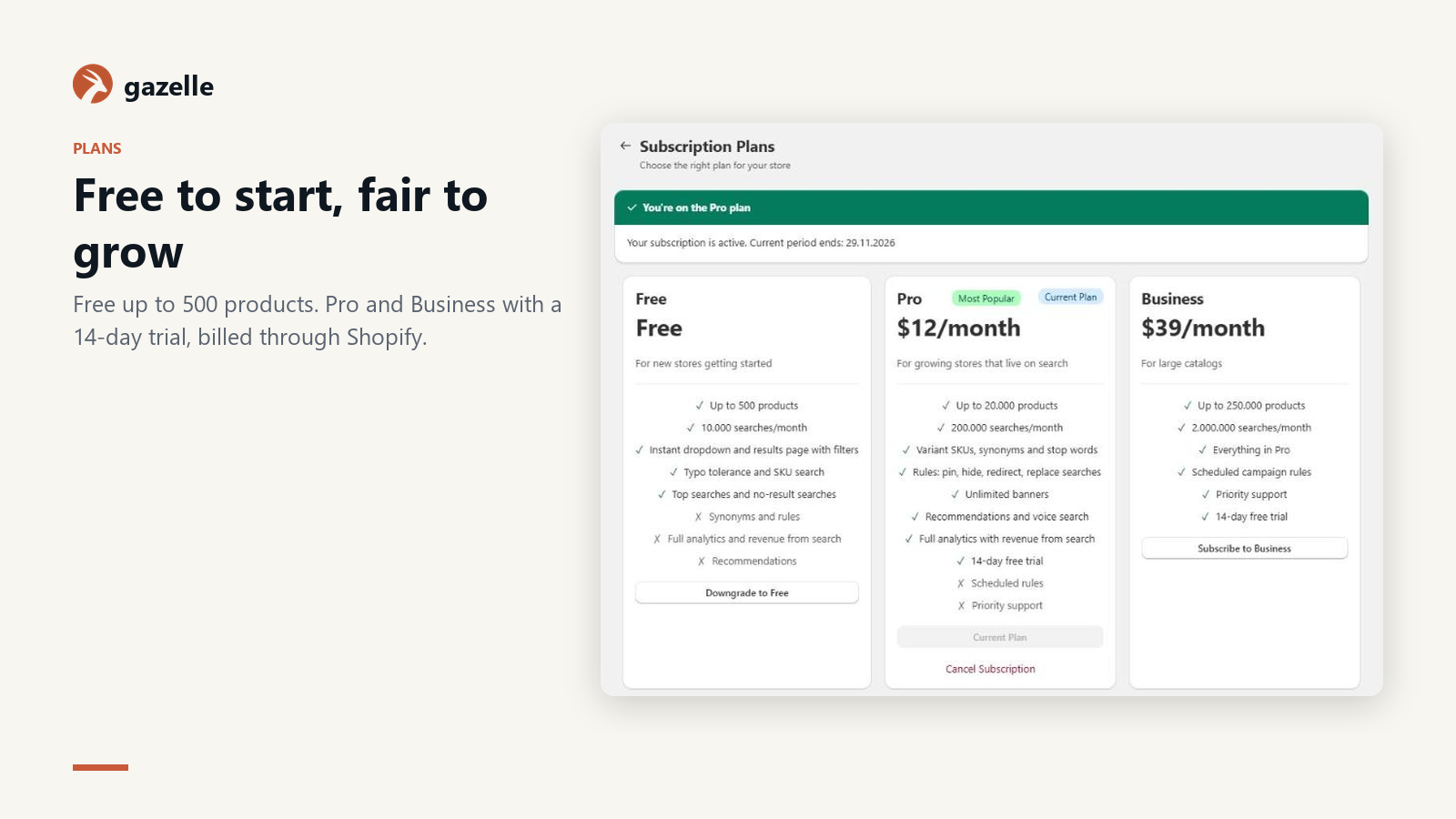
Free for up to 500 products. No card needed.
Set up in minutes
- 1
Install the app
Approve the permissions. Your products, variants and collections sync right away.
- 2
Turn on the app embed
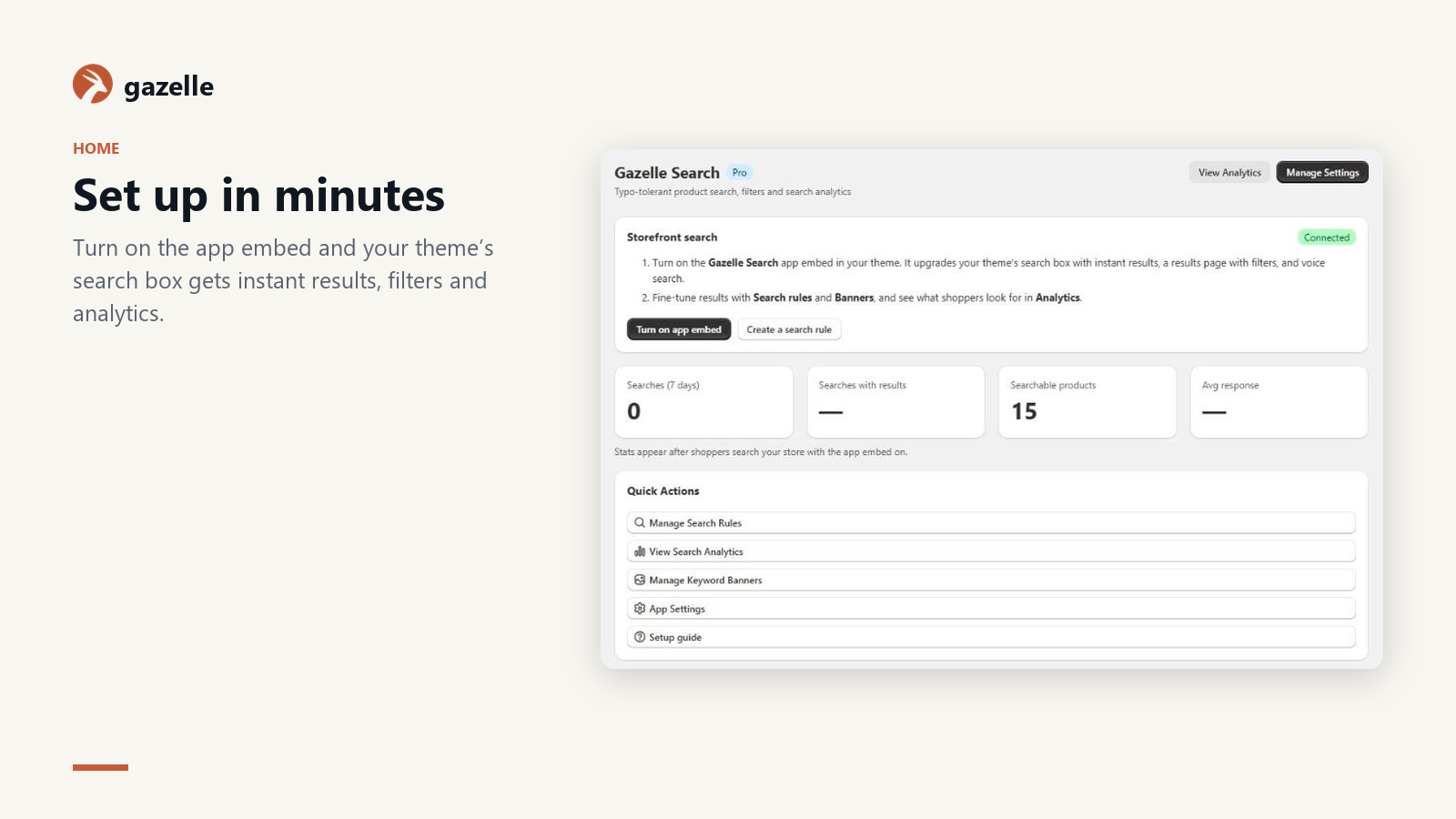
One switch in Theme settings → App embeds. Your theme's search box is upgraded in place.
- 3
Tune it in Shopify admin
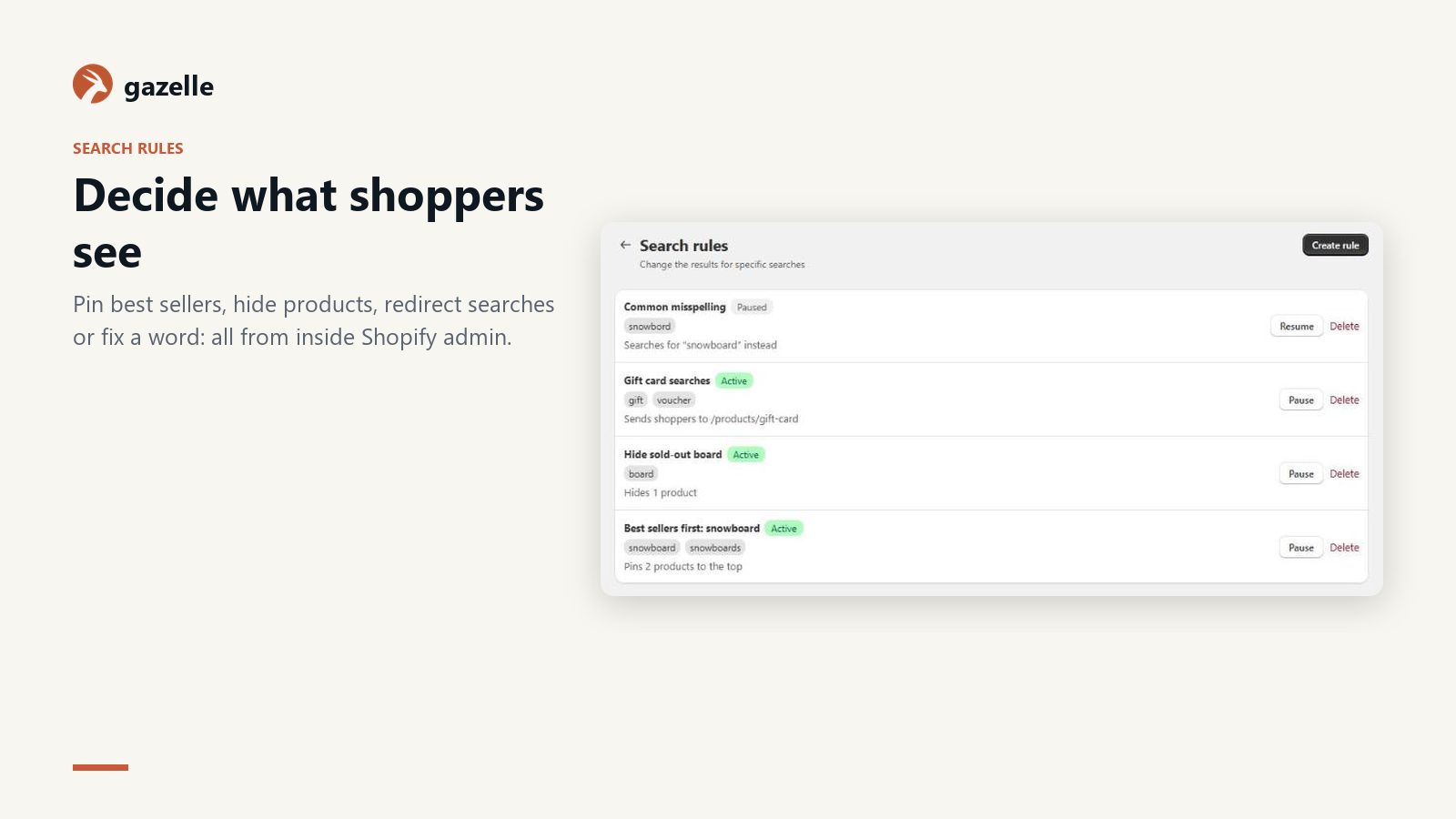
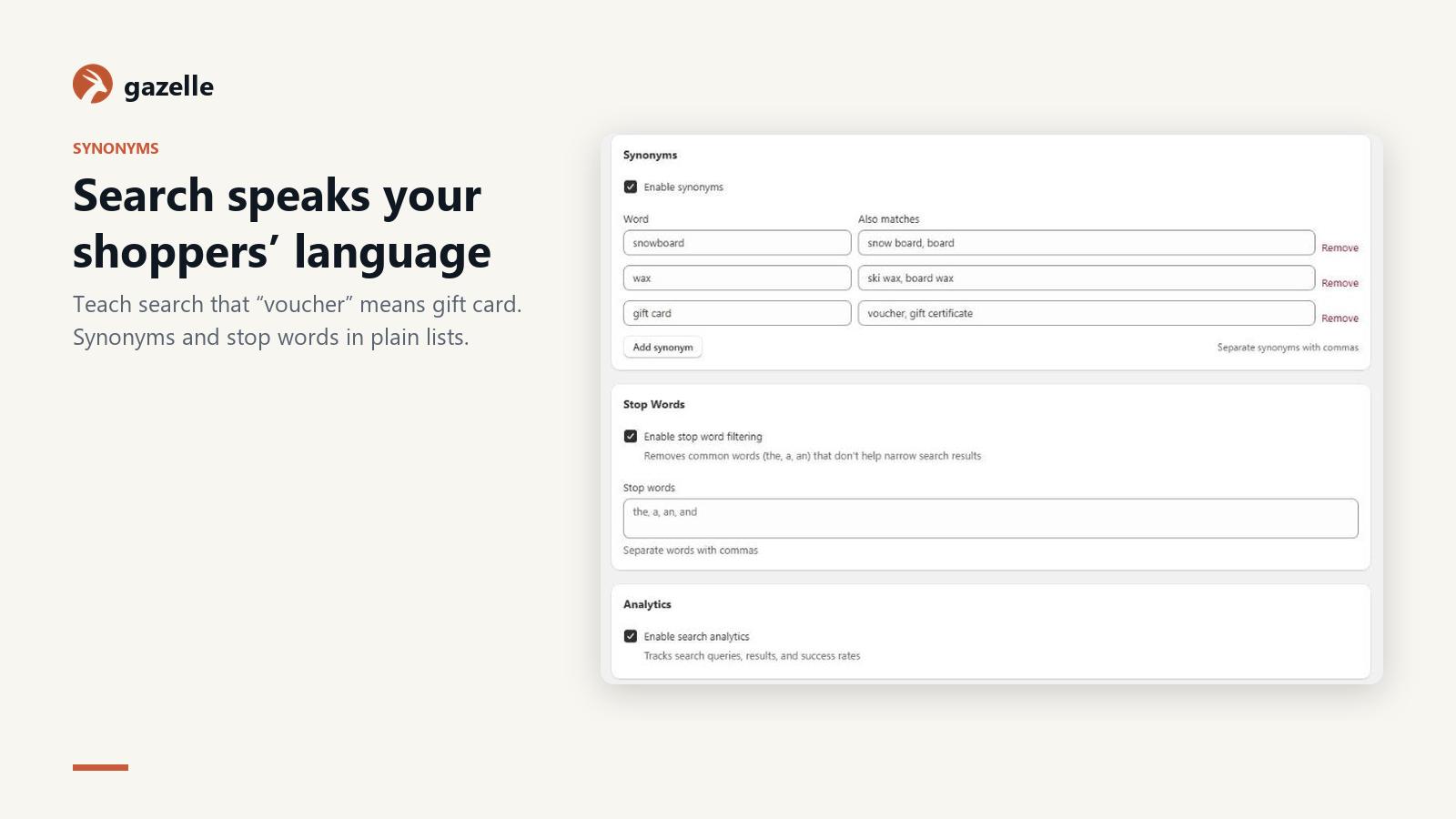
Search rules, synonyms, banners and analytics live in the app, inside your Shopify admin.
Made for Shopify
- Any Online Store 2.0 theme
- An app embed enhances the search box your theme already has. No code, no layout changes.
- Variants and options
- Variant SKUs find their product. Size and color become filters on the results page.
- Collections as categories
- Collections show as suggestions in the dropdown and as a filter.
- Revenue from search
- A Shopify web pixel credits add-to-cart and completed checkouts to the search that led to them.
- Recommendations blocks
- Similar products, bestsellers, trending, new arrivals and recently viewed as theme blocks.
- Stays in sync
- Product changes arrive through Shopify webhooks within seconds. After you uninstall, your data is deleted when Shopify asks for it.
Everything happens inside Shopify admin
No second dashboard and no keys to copy. These are real screens from the app.
A results page with filters, included
Brand
Vela4
Aurora3
Orbit2
Size
4011
4111
4211
Color
Red3
Grey2
Sand2
Price
11 results
Best match ▾Vela Running Shoes Red
$82.99$70.54
Aurora Running Shoes Grey
$102.99
Orbit Trail Running Shoes Sand
$101.99
Lumen Racing Flats Navy
$116.99
Kestrel Trail Running Shoes
$99.99
Halcyon Running Shoes Olive
$74.99
Rules for any search
Pin, hide, boost, redirect and add banners, with a live preview and optional dates.
Rule
Headphones week
When someone searches exactly “headphones” or “earbuds”, Nov 24 – Dec 1
- PinNorthwind Noise Cancelling Headphones to #1
- HideVela Headphone Stand
- BoostBrand Lumen, +5
- Banner“Headphones week: 20% off”
Other actions: send the search to a page, or search for a different word instead.
Before
- 1Lumen Studio Headphones
- 2Orbit Noise Cancelling Headphones
- 3Halcyon Wireless Headphones
- 4Vela Headphone Stand
- 5Kestrel Studio Headphones
After
Headphones week: 20% off
- 1Northwind Noise Cancelling HeadphonesPinned
- 2Lumen Studio HeadphonesBoosted: Lumen
- 3Lumen Bluetooth EarbudsBoosted: Lumen
- 4Orbit Noise Cancelling Headphones
- 5Halcyon Wireless Headphones
See what every search earns
Illustrative demo data, not customer results
- Revenue from search
- $128K
- +17.9% vs previous
- Conversion
- 6.6%
- +0.8 pt vs previous
- Click-through
- 46.9%
- +2.1 pt vs previous
- No results
- 4.2%
- −13.9 pt vs previous
What to fix next
- Shoppers who search “airpods” then search “earbuds”Add synonym
- “gift card” found nothing 124 timesCreate rule
- “charger” shows results but 12% get clickedCreate rule
Made-up numbers to show the dashboard layout. They aren't measurements from a real store.
Questions
Does it work with my Shopify theme?
It works with Online Store 2.0 themes, including Dawn and other free Shopify themes. The app embed attaches to your theme's search box, so there's no code to edit and nothing to undo if you remove it.
Will it replace Shopify's search page?
By default, pressing Enter opens Gazelle's results page with filters on top of your store. You can switch that off in the app embed settings to keep your theme's own search page.
How are paid plans billed on Shopify?
Through Shopify. The charge shows on your Shopify invoice and you can cancel from the app at any time.
What happens when I uninstall?
The app embed disappears with the app, so your theme goes back to its own search. Your Gazelle data for the store is deleted when Shopify sends the shop data deletion request.
How is this different from my store's built-in search?
Built-in search matches exact words in the title. Gazelle forgives typos, understands SKUs with or without dashes, searches variants, attributes and custom fields, suggests categories, and answers while the shopper is still typing.
Will it slow my store down?
No. Searches run on Gazelle's servers, not your hosting. The storefront script is a single small file with no dependencies, loaded asynchronously.
Does it work with my theme?
Yes. The script attaches to the search box your theme already has. On WordPress you can also use the shortcode, widget or Elementor block; on Shopify, the theme app block.
Free to start